Reach more people with your own box office
Would you like to serve walk-in customers at the box office, or use a box office for advance ticket sales in addition to online sales, while still enjoying all the benefits of online ticketing? Then our box office module is just what you need.
Set up your own cash register in just a few steps
Our box office module is directly integrated into your EVENTIM.Light account and can be easily accessed online from any device.
- Save your bank details in your account to ensure smooth settlement of your ticket sales.
- Request access to the box office with a single click via your EVENTIM.Light account in the ‘Box Office’ section.
- Now simply create your events and activate the box office as a sales channel in the ‘Ticket Prices’ section. And just like that, nothing stands in the way of your box office.

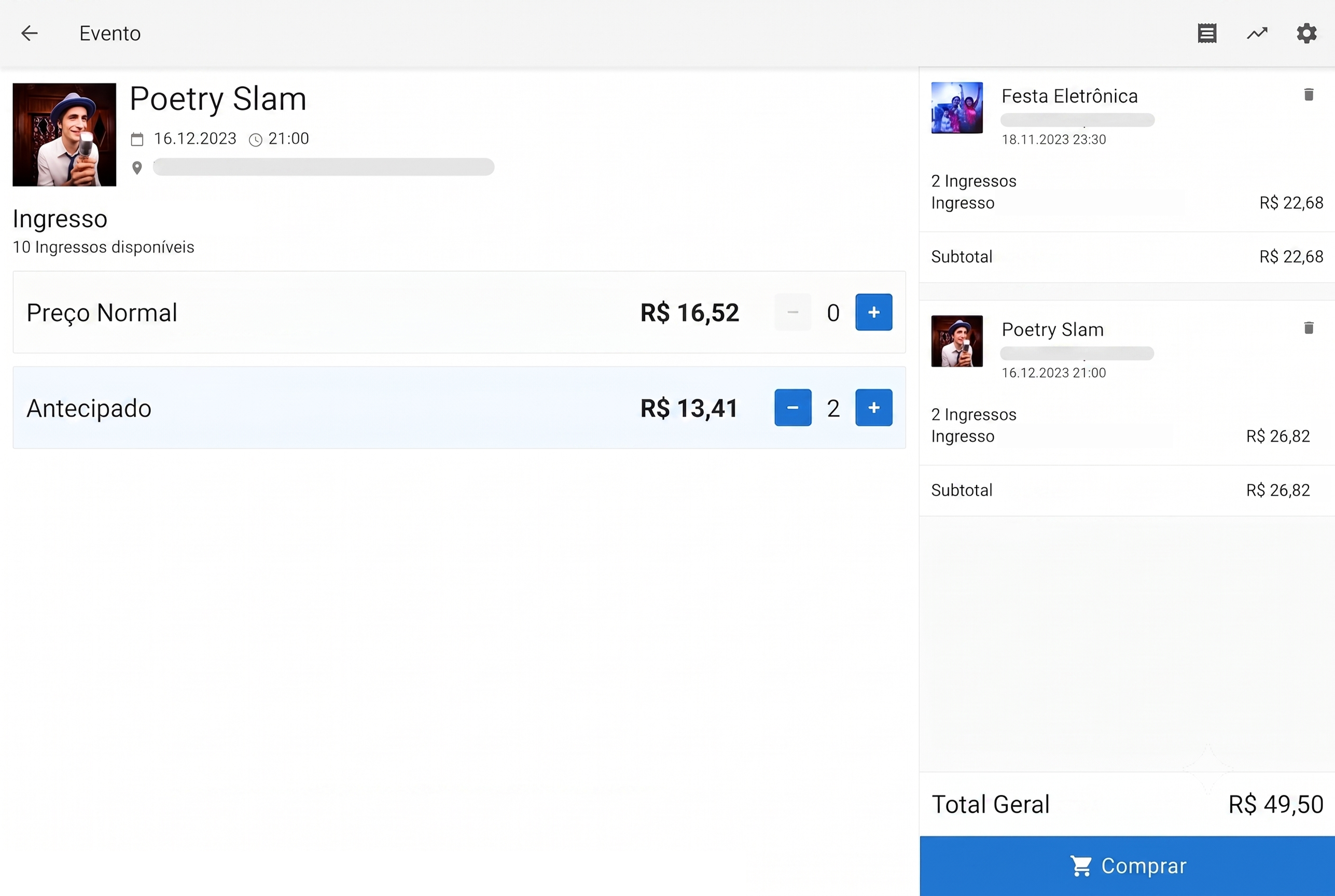
Easy ticket sales at your box office
Turn your office into a ticket office or set up a box office on the day of the event. The intuitive interface makes selling tickets at the box office a breeze.
- Fast sales processing
- Easily print tickets for buyers
- Seating chart or best-seat booking also available
Tools make working at the register easier
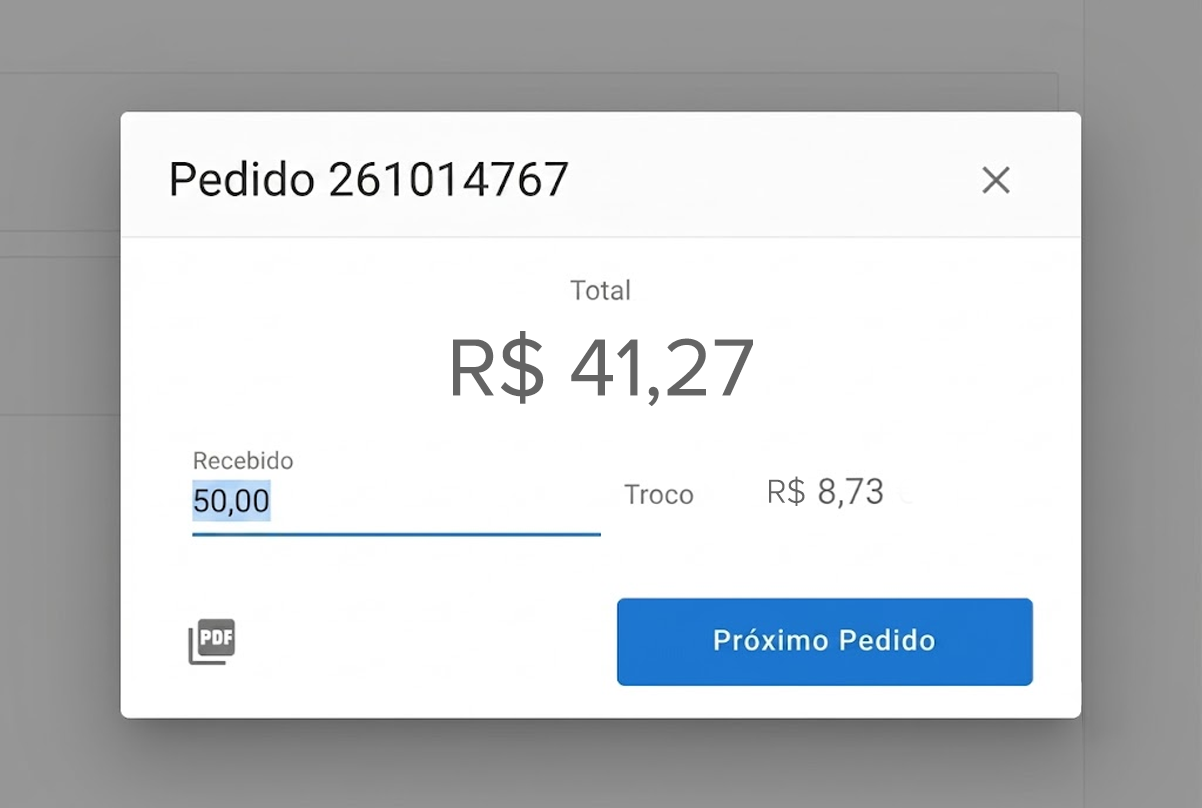
Our daily cash register module supports sales associates in their work with a variety of features, especially when things need to move quickly.
- The handy change calculator makes it easier to handle cash payments.
- In standard box office mode during advance sales, tickets can be printed easily.
- The express checkout mode is especially handy at the box office when things need to move quickly and no printed tickets are required.
- Record the payment method used by the buyer for a better overview and analysis.
Print tickets quickly and easily
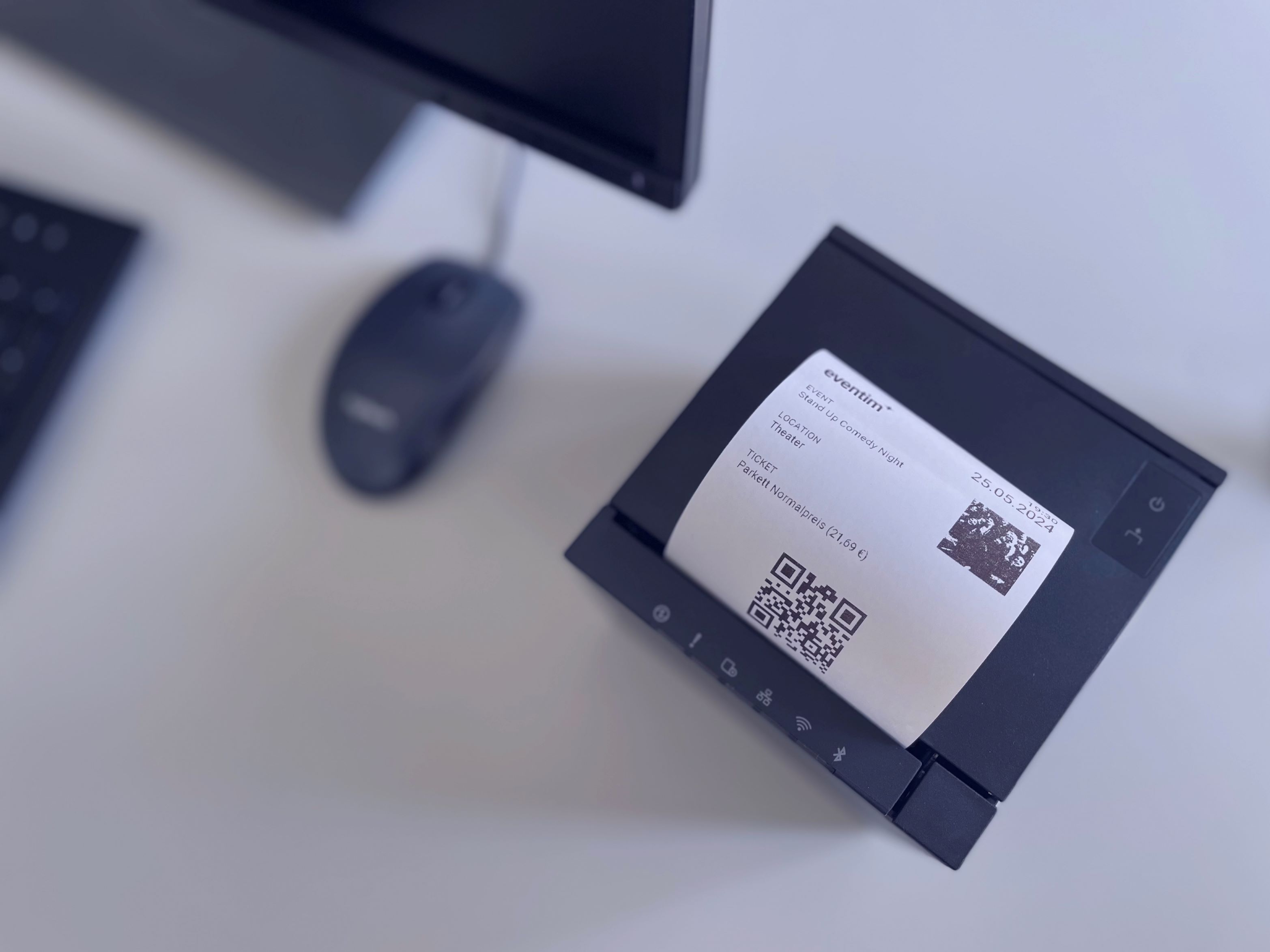
Our box office module can be easily connected to a standard Epson receipt printer. Once set up, you can quickly and easily print tickets for your customers at the box office in the form of a receipt. These receipts include a QR code and can be validated at the entrance as usual using the EVENTIM.Access scan app. Alternatively, you can also print the PDF ticket on a standard A4 printer.

Keep track of your orders with the order summary
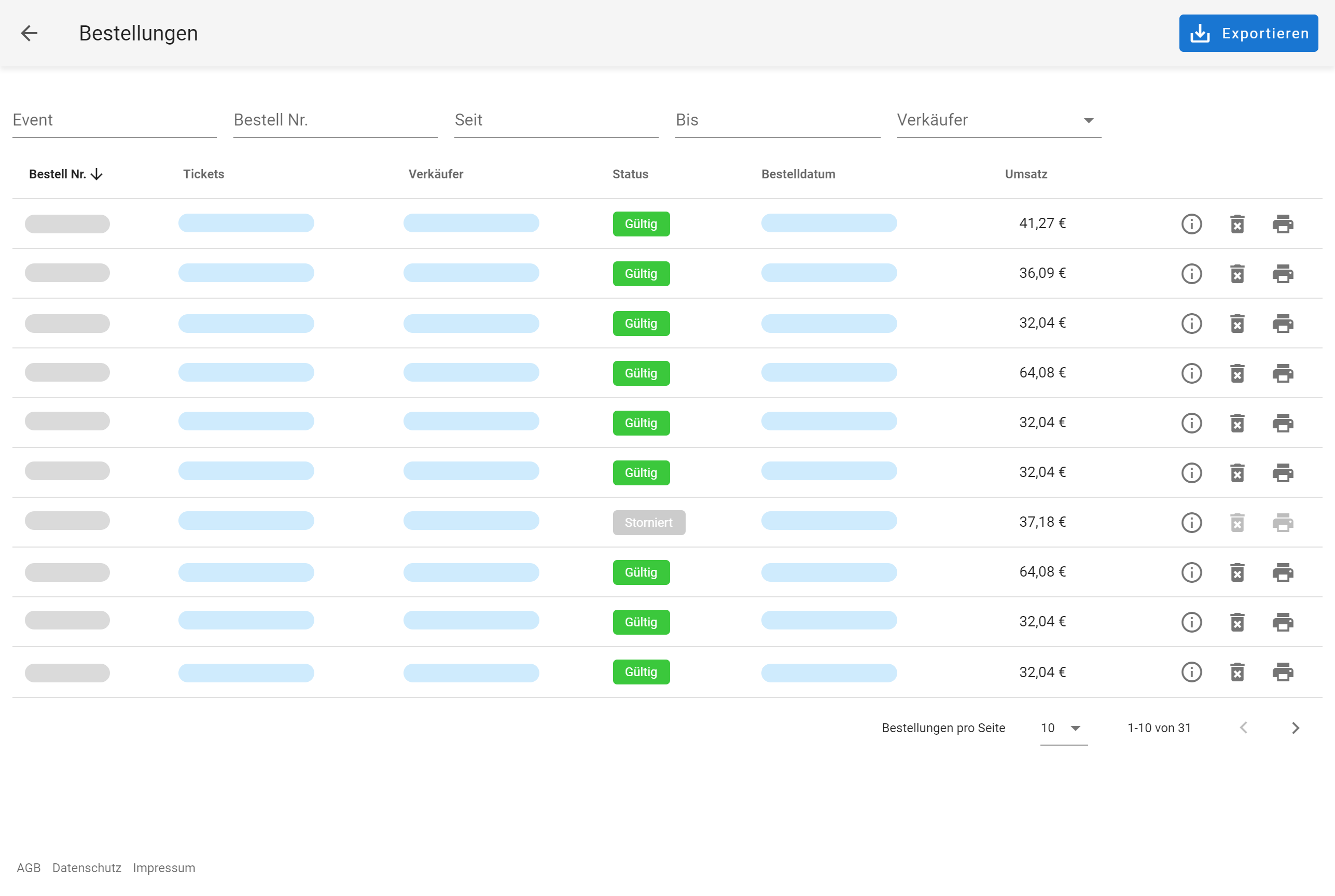
The handy order summary gives you an overview of the tickets sold, broken down by seller. You can also use it to cancel orders on your own or reprint sold tickets.